
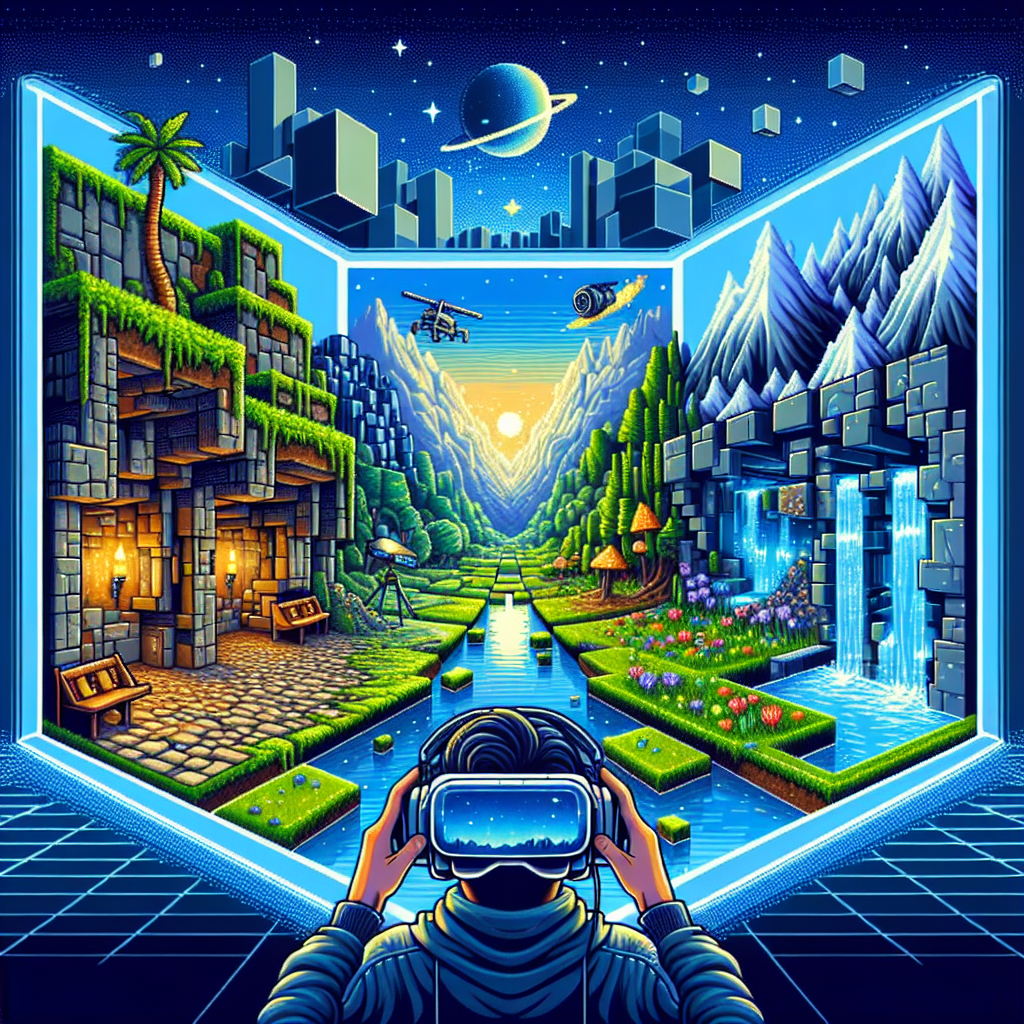
Minecraft, the critically acclaimed sandbox game by Mojang Studios, offers limitless possibilities in its blocky world. With the game available on multiple platforms, playing on Windows offers a seamless experience with flexibility in controls and modifications. This ultimate guide is designed to provide you with the best tips and tricks to elevate your Minecraft gameplay on Windows, whether you are a beginner or a seasoned player.
Table of Contents
- Introduction
- System Requirements for Smooth Play
- Installation Guide
- Getting Started
- Essential Tips for Beginners
- Advanced Strategies for Experienced Players
- Modifications and Customizations
- Troubleshooting Common Issues
- Conclusion
1. Introduction
Minecraft has captured the hearts of millions worldwide, offering unique gameplay where creativity and survival blend beautifully. On Windows, players enjoy superior performance, high-resolution graphics, and access to a plethora of mods. This guide aims to enhance your Minecraft experience with strategic tips and tricks.
2. System Requirements for Smooth Play
Before diving into the game, ensure your system meets the necessary requirements for optimal performance.
Minimum System Requirements:
- OS: Windows 7 or newer
- CPU: Intel Core i3-3210 / AMD A8-7600 APU or equivalent
- RAM: 4GB
- GPU: Intel HD Graphics 4000 or equivalent
- Storage: 1GB available space
Recommended System Requirements:
- OS: Windows 10
- CPU: Intel Core i5-4690 / AMD A10-7800 or equivalent
- RAM: 8GB
- GPU: NVIDIA GeForce 700 Series / AMD Radeon Rx 200 or equivalent
- Storage: SSD for faster load times, 4GB available space
3. Installation Guide
Step-by-Step Installation Process:
-
Purchase the Game:
- Visit the official Minecraft website or the Microsoft Store.
- Purchase and download the game installer.
-
Install Minecraft:
- Run the downloaded installer.
- Follow the on-screen instructions to complete the installation.
-
Start playing:
- Launch the game from the Start Menu or Desktop.
- Sign in with your Microsoft account if prompted.
4. Getting Started
After installation, familiarize yourself with essential controls and game mechanics to begin your journey.
Basic Controls:
- Movement: WASD keys
- Jump: Spacebar
- Sneak: Shift key
- Inventory: E key
Game Modes:
- Survival Mode: Gather resources and survive the elements.
- Creative Mode: Unlimited resources for building and exploration.
- Adventure Mode: Play custom maps and adventures.
- Hardcore Mode: A challenging variant of Survival mode with permanent death.
5. Essential Tips for Beginners
Starting can be daunting, but with these tips, you’ll master the basics in no time.
Crafting Your First Tools:
- Collect wood from trees to craft a Workbench.
- Use the Workbench to craft essential tools like a pickaxe and sword.
Building Shelter:
- To survive your first night, build a simple shelter.
- Gather materials like wood, dirt, or stone to create walls and a roof.
Understanding Day-Night Cycle:
- A complete day-night cycle lasts 20 minutes.
- Monsters spawn at night; ensure you have a safe place to stay.
6. Advanced Strategies for Experienced Players
Once you are familiar with the basics, these advanced strategies will help you level up.
Efficient Mining Techniques:
- Use branch mining to efficiently gather resources.
- Always carry enough torches and food supplies during your mining expeditions.
Redstone Creations:
- Experiment with Redstone circuits to create complex machines.
- Redstone can be used to automate tasks, decorate, or defend your base.
Exploring the Nether and End:
- Prepare adequately before entering the Nether; you’ll need obsidian to build the portal.
- Defeat the Ender Dragon to explore the mysterious End dimension.
7. Modifications and Customizations
Modifications (mods) allow players to customize their gameplay, providing new experiences and features.
Installing Minecraft Mods:
- Use a mod manager like Forge or Fabric.
- Download mods from reputable sources such as CurseForge.
- Place the downloaded mods into the ‘mods’ folder within the Minecraft directory.
Popular Mods to Consider:
- OptiFine: Enhances graphics and improves performance.
- Biomes O’ Plenty: Introduces new environments to explore.
- Thaumcraft: Adds magic and alchemy elements to the game.
8. Troubleshooting Common Issues
While playing Minecraft on Windows is generally smooth, you might encounter issues occasionally.
Common Issues and Fixes:
- Game Won’t Start: Ensure Java is updated and reinstall the game if necessary.
- Lag Issues: Lower graphical settings, allocate more RAM, or update your GPU drivers.
- Mod Conflicts: Remove all mods and add them back one by one to find the problematic one.
9. Conclusion
Minecraft on Windows offers an enriched gaming experience with opportunities for creativity and adventure. By following this guide, you can start your journey, enhance your skills, and explore the game’s depth. Whether you’re building grand structures or surviving harsh nights, your Minecraft adventure is what you make of it. Now that you’re equipped with tips and tricks, the world of Minecraft awaits!
Additional Resources:
- Minecraft Official Website
- Minecraft Forums for Community Support
Explore, build, and survive in the remarkable world of Minecraft. Happy crafting!
Related Posts

The miracle of the cool legends mobile logo design
The miracle of the cool legends mobile logo design Mobile…
Download Minecraft 1.19 for Free on Android: Play Offline Anytime!
Minecraft, the beloved sandbox game developed by Mojang Studios, continues…
Explore the Creative World of Minecraft Mojang: Essential Tips for Gamers
Minecraft, developed by Mojang Studios, has become a global phenomenon…